Iyzico
Accept payments with your Iyzico account
This guide will walk through setting up your CheckoutJoy account to accept payments using your Iyzico account.
Supported Payment Options
- One-time payments
- Multiple payments
- Subscriptions
How does it work
When a customer selects the Iyzico payment option on checkout, they are taken to the Iyzico hosted checkout page to complete payment.
Once the payment is successful, Iyzico notifies CheckoutJoy of the payment and CheckoutJoy records the payment in your account.
Adding your account details
In the CheckoutJoy dashboard
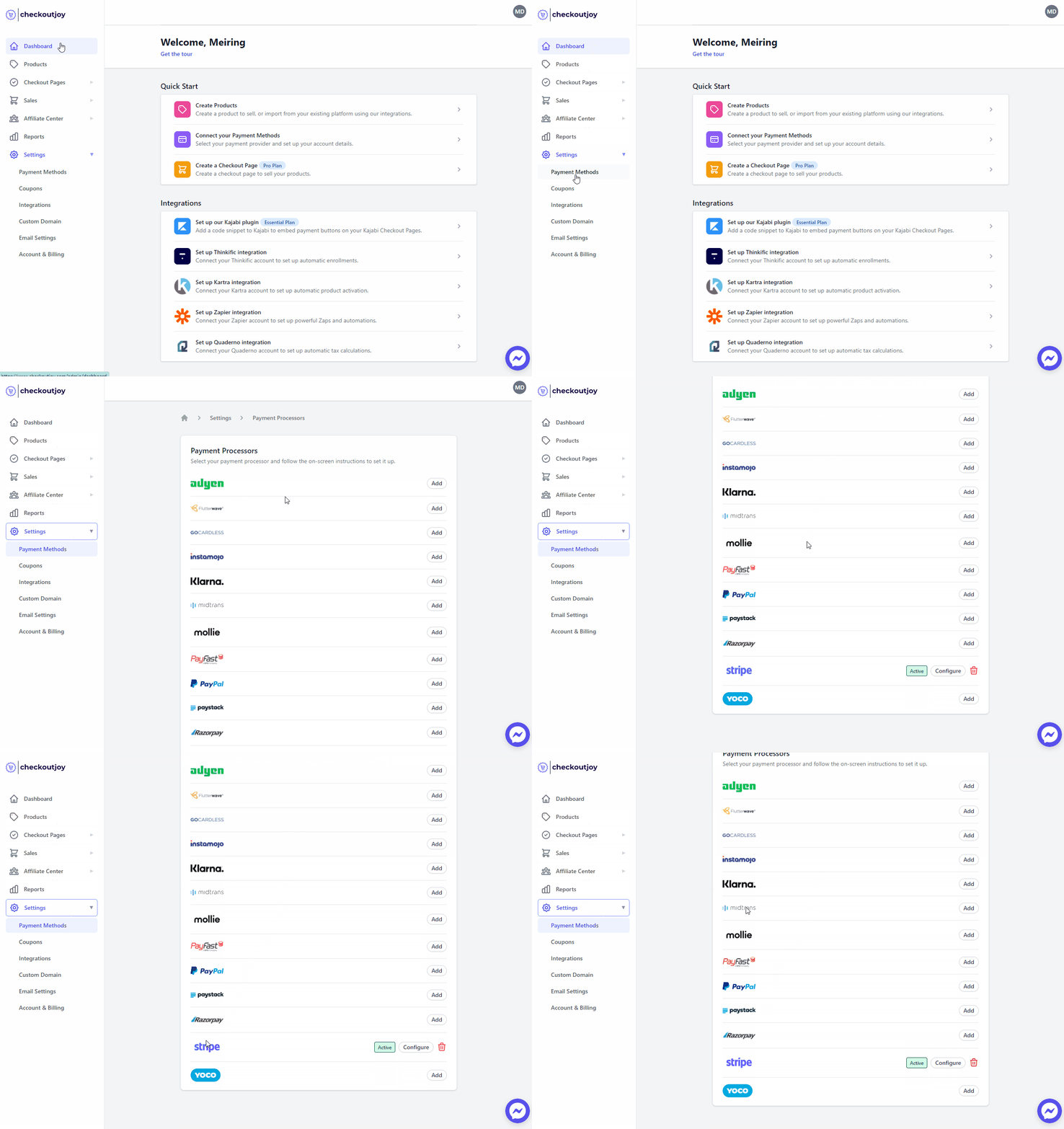
- Navigate to Settings > Payment Methods
- Select your payment processor and click on Add
Adding required fields to your checkout form
Iyzico requires the customer's billing address and ID number to complete the payment. Make sure to add the following fields to your checkout form:
- Full Name
- Email Address
- Billing Address
- ID Number
This can all be added from the Form Fields section of your checkout page setup dashboard.