Mollie
Setting up CheckoutJoy to take payments using your Mollie account
Mollie
This guide will walk through setting up your CheckoutJoy account to take payments using Mollie.
Supported Payment Options
- One-time payments
- Multiple payments
- Subscriptions
Adding your account details
In the CheckoutJoy dashboard
- Navigate to Settings > Payment Methods
- Select your payment processor and click on Add
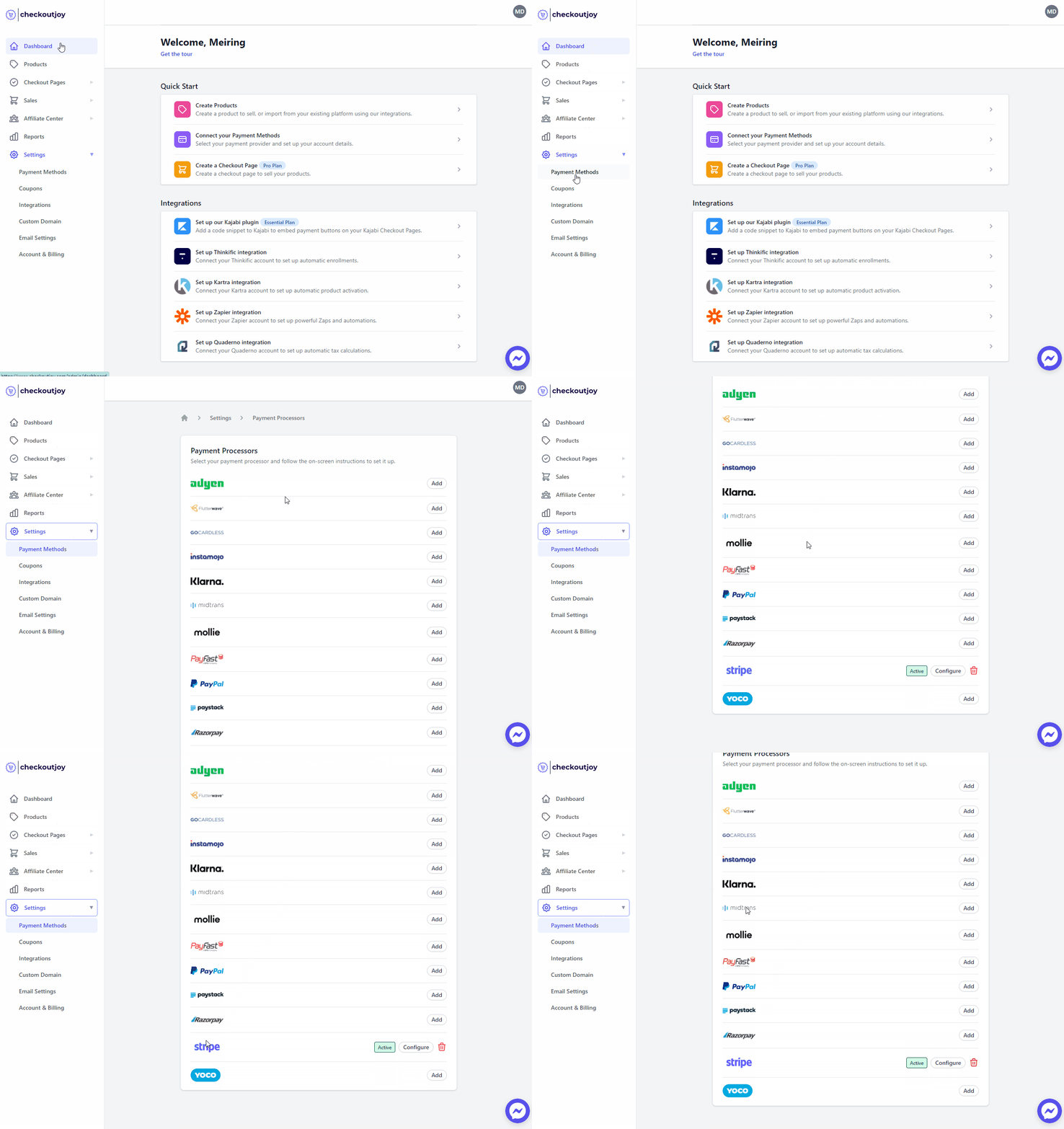
Finding your API Key
Your Mollie API key can be found in your Mollie dashboard under Developers > API Keys.
Be sure to use the Live API Key
Payment Methods
For a detailed list of the supported payment methods and countries, please see the official Mollie page here: https://help.mollie.com/hc/en-us/categories/360002830740
-iDEAL -Bancontact -Credit card -Apple Pay -Klarna -PayPal -SEPA Direct Debit -KBC/CBC payment button -Belfius Direct Net -SOFORT Banking -Przelewy24 -Gift card -ING Home Pay -Giropay -Paysafecard -EPS -Carte Bancaire -MyBank -Vouchers
Which methods will the buyer actually see?
Mollie decides which payment methods to display at checkout — CheckoutJoy does not override or curate that list. The methods a given buyer sees are determined by:
- Which methods are activated on your Mollie dashboard. A method has to be enabled in Mollie before it can ever appear.
- The buyer's country. Many Mollie methods are country-gated (Klarna in particular).
- The currency of the checkout. Klarna is only available on certain EUR/SEK/DKK/NOK/GBP corridors; SEPA Direct Debit only on EUR; iDEAL only on EUR for Dutch buyers; etc.
- Per-method eligibility rules on Mollie's side — Mollie sometimes requires additional data (e.g. Klarna needs full billing address and line items).
If a method you've activated in Mollie isn't showing on your CheckoutJoy checkout, it's almost always one of these four reasons rather than something specific to CheckoutJoy.
Frequently asked questions
I activated Klarna and SEPA in Mollie, but they don't show on my checkout. Why?
Test with realistic buyer details for the country you expect Klarna/SEPA to work in:
- SEPA Direct Debit requires EUR and an EU billing country.
- Klarna requires an eligible country/currency combination and full billing-address data. With an Irish billing address and EUR you may see SEPA but not Klarna; with a German billing address and EUR you may see both.
If after this you still don't see Klarna and you're confident it's activated in Mollie for that country, contact CheckoutJoy support — Klarna in particular sometimes needs additional data passed through and we can verify what Mollie is receiving for your checkout.
Mollie's support told me the issue is on CheckoutJoy's side. What now?
This usually means one specific method (most often Klarna) isn't receiving all the data Mollie expects (line items, billing-address details, etc.). Send the CheckoutJoy support team a test order reference and the country/currency you tested with — we can inspect the payload sent to Mollie and adjust the integration. The country/currency gating rules above are not something we can override; those are Mollie's choice.